

Google Business Profile Optimization for Coliving Operators

Why Google Business Profile Is Your Number One Free Marketing Channel
Approximately 80% of local search queries have local intent, people searching for housing, coliving, or shared living in a specific city. Google Business Profile (GBP, formerly Google My Business) is the single most important free channel for capturing this demand. When someone searches "coliving in [your city]," your GBP listing can appear in the map pack, the top 3 local results that appear before organic search results and receive 42% of all clicks.
Yet most coliving operators either have not claimed their GBP listing or have a bare-bones profile that misses massive opportunities. This guide will help you set up and optimize your profile for maximum visibility and conversions.
Setting Up Your Google Business Profile
Step 1: Claim or Create Your Listing
- Go to business.google.com and sign in with your Google account
- Search for your business name, if it exists, claim it; if not, create a new listing
- Choose your business category: "Coliving space" if available, otherwise "Furnished apartment" or "Boarding house"
- Add your physical address (this is essential for map pack visibility)
- Verify your listing, Google will send a postcard with a PIN, or offer phone/email verification for some businesses
Step 2: Complete Every Field
Google rewards complete profiles with higher visibility. Fill out every available field:
- Business name: Your exact business name (no keyword stuffing, "CoHaus Lisbon" not "CoHaus Lisbon Coliving Shared Living Apartments")
- Category: Primary plus up to 9 additional categories (add "Apartment building," "Serviced apartment," "Short term apartment rental")
- Description: 750 characters. Include your location, target audience, key amenities, and a call to action. Use natural language with relevant keywords.
- Phone number: Local number preferred
- Website: Your direct booking or homepage URL
- Hours: Set office or check-in hours
- Attributes: Select all applicable (WiFi, parking, accessible, etc.)
- Services: List your room types and amenities as services
Optimizing Your Listing for Visibility
Photos
GBP listings with 100+ photos get 520% more calls and 2,717% more direction requests than average listings. Upload:
- Cover photo: Your most attractive common area shot
- Logo
- Interior photos: Every room type, kitchen, common areas, coworking space
- Exterior photos: Building facade, entrance, neighbourhood context
- Lifestyle photos: Residents using spaces (with permission), events, community moments
- Team photos: Your community manager, the welcome experience
Upload new photos monthly to signal to Google that your listing is active.
Business Description
Write a compelling 750-character description. Example: "CoHaus Lisbon is a modern coliving space in Graça for remote workers and digital nomads. 22 furnished private rooms with fast WiFi, a coworking space, rooftop terrace, and a community of global professionals. All-inclusive monthly stays from €650. Weekly community events, professional cleaning, and 24/7 smart lock access. Book a tour today at cohauslisbon.com."
Getting Reviews (The Growth Engine)
Reviews are the single biggest ranking factor for GBP local results. Your strategy:
- Ask at peak satisfaction: Request reviews after positive moments, successful move-in, great community event, resolved maintenance issue
- Make it frictionless: Create a direct review link (Google "Google review link generator") and share it via WhatsApp or email
- Automate the ask: Send a review request email at day 14 (settled in) and at check-out
- Target: 2+ new reviews per month for steady growth
- Respond to every review, positive and negative, within 48 hours. Thank positive reviewers by name and address specific points. For negative reviews: acknowledge, apologize where warranted, explain what you have done to fix the issue, and invite them to discuss privately.
Free Newsletter
Join 37,000+ coliving professionals
Weekly insights on operations, marketing, and growth, delivered to your inbox.
Google Posts
Google Posts appear directly on your GBP listing and signal freshness. Post 1-2 times per week:
- Events: Community dinners, workshops, city tours, open houses
- Offers: Move-in specials, referral discounts, seasonal promotions
- Updates: New amenities, renovations, awards, press mentions
- What's New: New blog posts, neighbourhood guides, resident stories
Each post should include an image, 100-300 words, and a call-to-action button (Book, Learn More, Call).
Q&A Management
The Q&A section on your GBP listing is publicly visible and anyone can ask or answer. Proactively manage it:
- Seed your own FAQ: Ask and answer 10-15 common questions yourself (pricing, minimum stay, what is included, check-in process, location details)
- Monitor weekly: Set up Google alerts or check manually for new questions
- Answer promptly: Unanswered questions look unprofessional and may be answered incorrectly by random users
Tracking Performance
GBP provides built-in insights. Track monthly:
- Search queries: What terms are people using to find you?
- Views: How many people see your listing (Search vs Maps)?
- Actions: Website clicks, direction requests, phone calls
- Photo views: Compare to competitors in your area
Set a monthly reminder to review these metrics and adjust your strategy. For a comprehensive marketing approach, see our marketing strategies guide.
Multi-Property GBP Management
If you operate multiple properties:
- Create a separate GBP listing for each physical location
- Use consistent branding (same logo, style of photos, description format)
- Link all listings to a single Google Business account for centralized management
- Customize each listing with location-specific photos, descriptions, and services
- Cross-link between properties on your website to build local SEO authority
Frequently Asked Questions
What Google Business category should a coliving use?
If "Coliving space" is available in your market, use it as your primary category. Otherwise, "Furnished apartment" or "Boarding house" are the best alternatives. Add secondary categories like "Short term apartment rental," "Apartment building," and "Serviced apartment" to maximize the search queries you appear for.
How many reviews do I need to rank in the Google map pack?
There is no magic number, but generally 20+ reviews with a 4.5+ rating puts you in competitive position for most coliving markets. More important than total count is review velocity, Google favors businesses that receive consistent new reviews over those with many old reviews and no recent activity. Aim for 2-4 new reviews per month.
Can I remove a negative Google review?
You cannot directly remove reviews, but you can flag reviews that violate Google's policies (spam, fake, off-topic, conflict of interest). Google rarely removes reviews that reflect genuine customer experiences, even negative ones. Your best strategy is to respond professionally and publicly, demonstrating that you take feedback seriously, and to dilute negative reviews with a steady stream of positive ones.
How long does it take for GBP optimization to show results?
Basic profile completion often shows ranking improvements within 2-4 weeks. Building reviews and posting regularly takes 2-3 months to meaningfully impact your ranking. Full local SEO maturity (consistent top-3 map pack visibility) typically requires 6-12 months of sustained effort including website SEO, citations, and review building.
Written by
Mayank Pokharna
Mayank Pokharna is the founder of Everything Coliving. 13+ years in coliving as an operator, PMS builder (JumboTiger, SimplyGuest), and advisor to 60+ operators across 14+ countries. Listed as a coliving expert on co-liv.org, featured in Forbes India, BBC Punjabi, Financial Express, and Economic Times, and published on the economics of shared living.
Explore Related Topics
Further Reading
Related Articles

Membership Agreement vs Lease Agreement in Coliving
Comparison of membership vs lease agreements covering: Flexibility for Tenants (shorter commitment, easy move-in/out), Simplified Eviction Process (easier termination, reduced squatter risk), Access t...
Coliving Marketing Launch Plan: First 90 Days
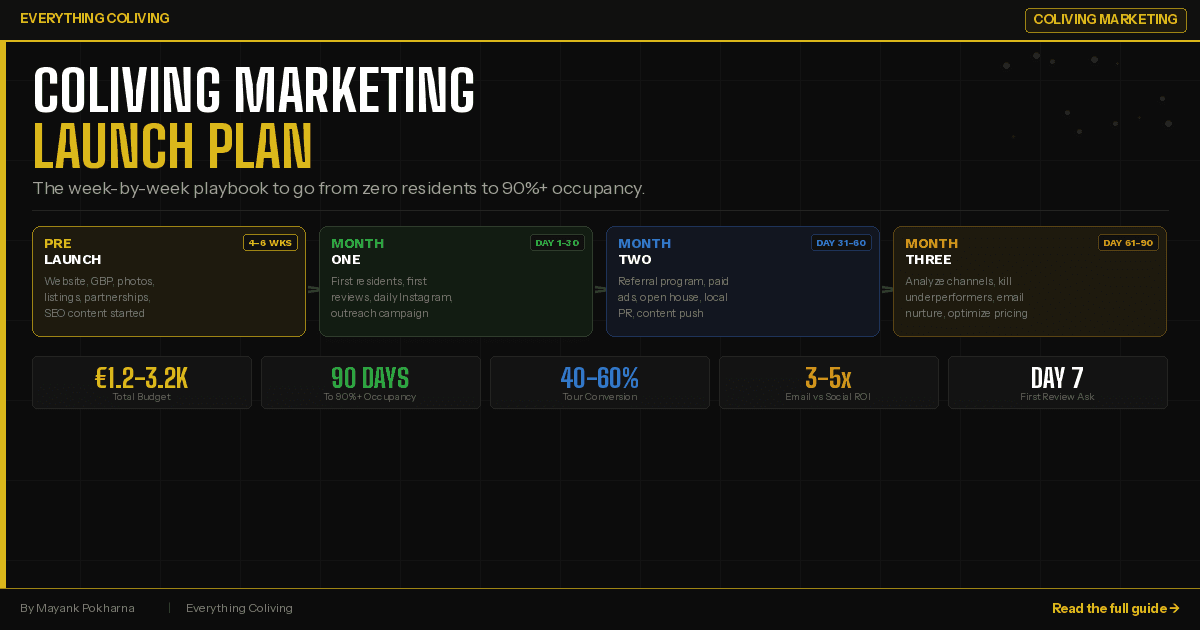
A week-by-week marketing launch plan for new coliving spaces, covering pre-launch, months 1-3, channel strategy, and a budget of €1,500-€3,000 total.

How to Optimize Your Airbnb Listing for Coliving Bookings
Optimize your Airbnb listing to attract coliving residents, including title formulas, pricing strategy, Superhost tips, and when to transition bookings direct.

The ultimate marketing stack for your coliving business
Extensive guide covering five sections: Building Online Presence with Website Tools (Strikingly, Wix, WordPress, Webflow, Framer), Harnessing SEO Power (Moz, SEMrush, Ahrefs), Content Marketing (Super...

Conversation with Martin Fleischer, Coliving Director, Coliving Investment Trust
Extended interview with Martin Fleischer covering his journey from 2009 Uruguay tourism concept through Southeast Asia to founding El Refugio in rural Madrid. Discussion of economic challenges (lack o...